Campaign labels, Sub IDs, postbacks and status checks: the practical questions to resolve before paid traffic starts.
01 / TRACKING
Make the campaign path explicit
Tracking is easiest to troubleshoot when the intended journey is clear. Write down how a visitor moves from the traffic source to any pre-landing page, the offer page and the conversion action. Identify which tool records the click and which system reports the conversion.
MonadLead uses its own platform for offers, tracking and billing. That does not remove the need to check the connection with your chosen tracker. Confirm the current integration instructions and supported parameters before using a template from an older campaign.
Treat launch preparation as a verification exercise rather than a promise of future performance. Correct tracking helps you interpret activity; it does not make an unsuitable offer or traffic source suitable.
02 / TRACKING
Choose campaign labels before traffic starts
Use a naming convention that distinguishes the offer, GEO, traffic source and creative version. The convention can be simple, but it should mean the same thing to everyone reviewing the campaign.
Decide which supported Sub ID fields you will use and confirm how their values appear in reports. Do not overload every parameter with the same label: each field should answer a practical question about the traffic.
Keep personal information out of campaign URLs. Email addresses, phone numbers and other visitor details should not be added to Sub IDs merely to make a report easier to search.
- Document the campaign naming convention.
- Confirm supported Sub ID parameters with the current setup.
- Preserve the distinction between GEO, source and creative.
- Check that no credentials or personal details appear in URLs.
03 / TRACKING
Check the postback mapping
An S2S postback is a server-to-server notification used to pass conversion information between systems. Its usefulness depends on the identifiers and values being mapped correctly.
Review the expected click identifier, conversion status and any supported payout or currency fields. Confirm which values come from the network and which your tracker supplies. A token that looks correct in a copied URL may still belong to another tool.
Use only the testing method approved for your account and integration. Ask the team how to validate a postback without generating misleading production activity. Never submit a fake customer order to test tracking.
04 / TRACKING
Understand statuses before interpreting activity
MonadLead uses Hold, Confirmed, Cancelled and Trash statuses. Ask how those statuses apply to the selected offer and how they map into your tracker. A newly recorded conversion is not necessarily a confirmed payable result.
Check time zones and the date range when comparing reports. If two systems show different totals, first confirm that they are viewing the same window and the same status set.
Avoid repeatedly resending a notification without understanding the integration behaviour. Ask whether repeated notifications are deduplicated and what identifier is used to recognise the same conversion.
05 / TRACKING
Keep a short verification record
Before launch, record the offer, GEO, link version, parameter mapping and time of the approved integration check. Include the expected result and what you actually observed. This gives support a concrete starting point if something changes later.
If a value is missing or a redirect drops a parameter, pause and resolve the issue before buying traffic. Do not assume that a broken field is harmless because the landing page still loads.
After a campaign edit, repeat the relevant checks. Replacing a landing page or tracker template can affect a path that worked during the initial setup.
- Open the final campaign link on desktop and mobile.
- Verify redirects preserve the required identifiers.
- Confirm the approved test reaches the intended system.
- Check status mapping and reporting time zone.
- Save the configuration and unresolved questions before launch.
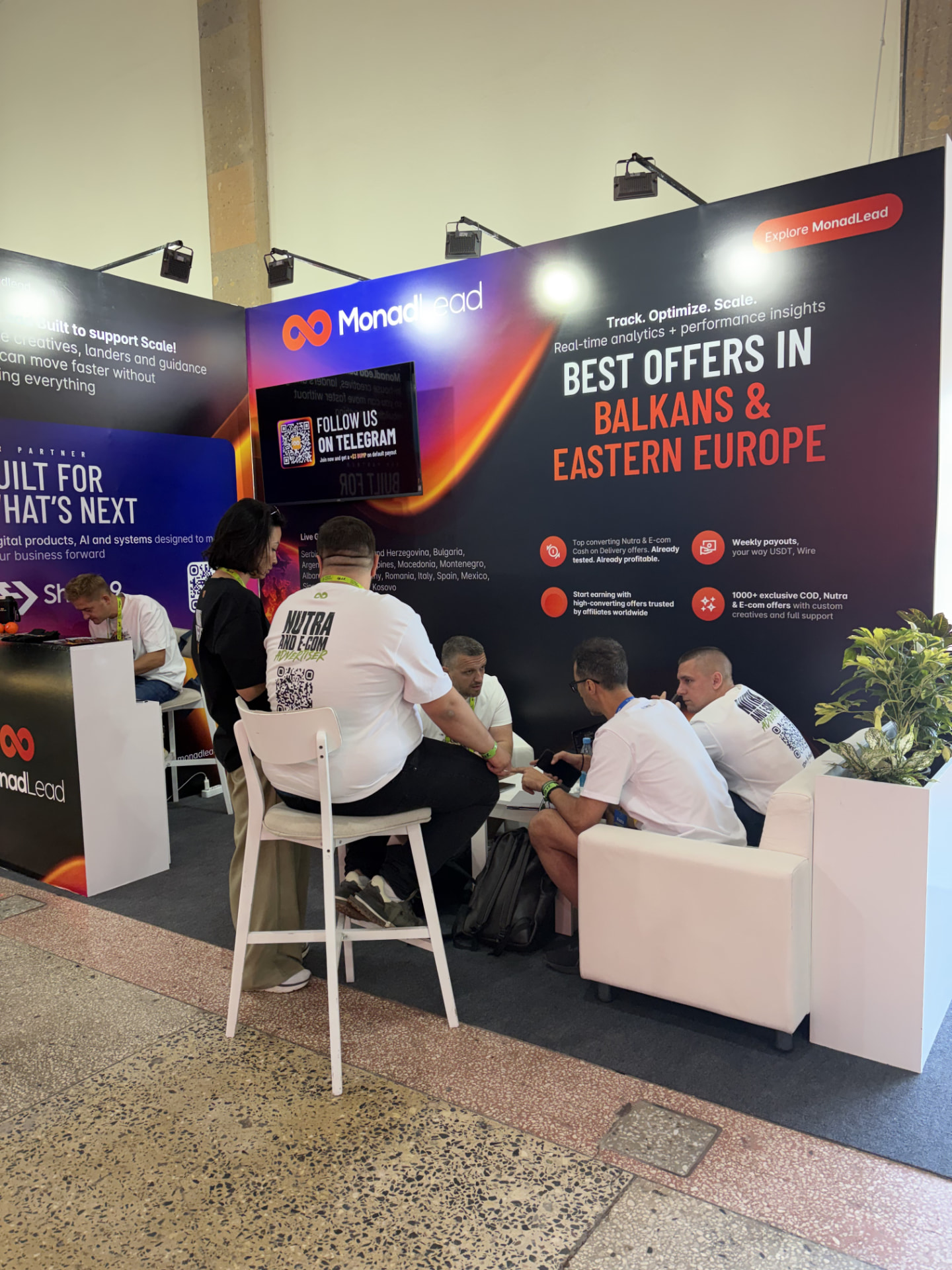
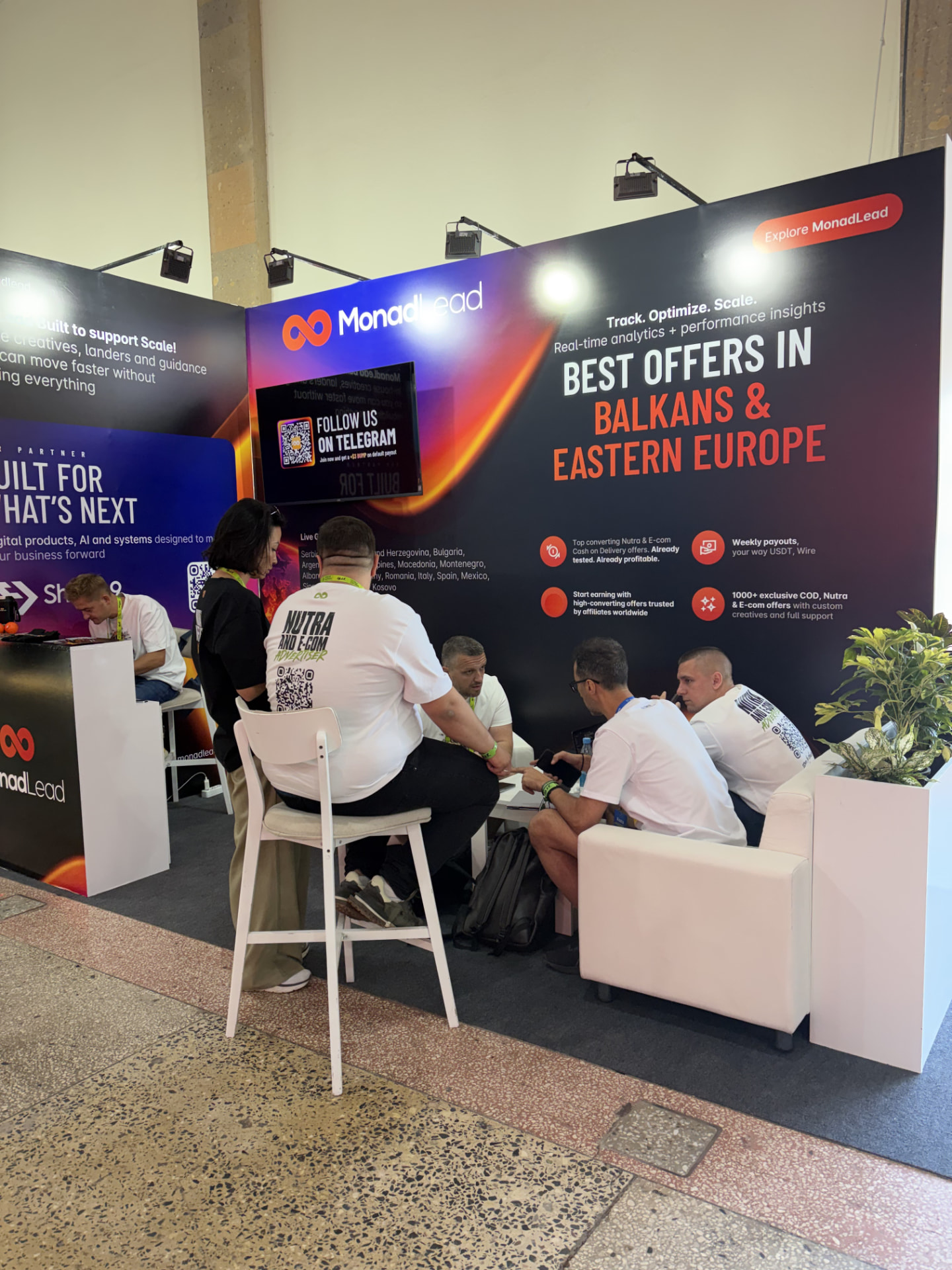
The cover is an archive photograph from MAC Yerevan 2026. It is not a platform screenshot. This guide does not describe undocumented API parameters; use the current account instructions for the exact integration.
06 / TRACKING